
Every guest sees a different part of the day
Your wedding, through the eyes of your people.
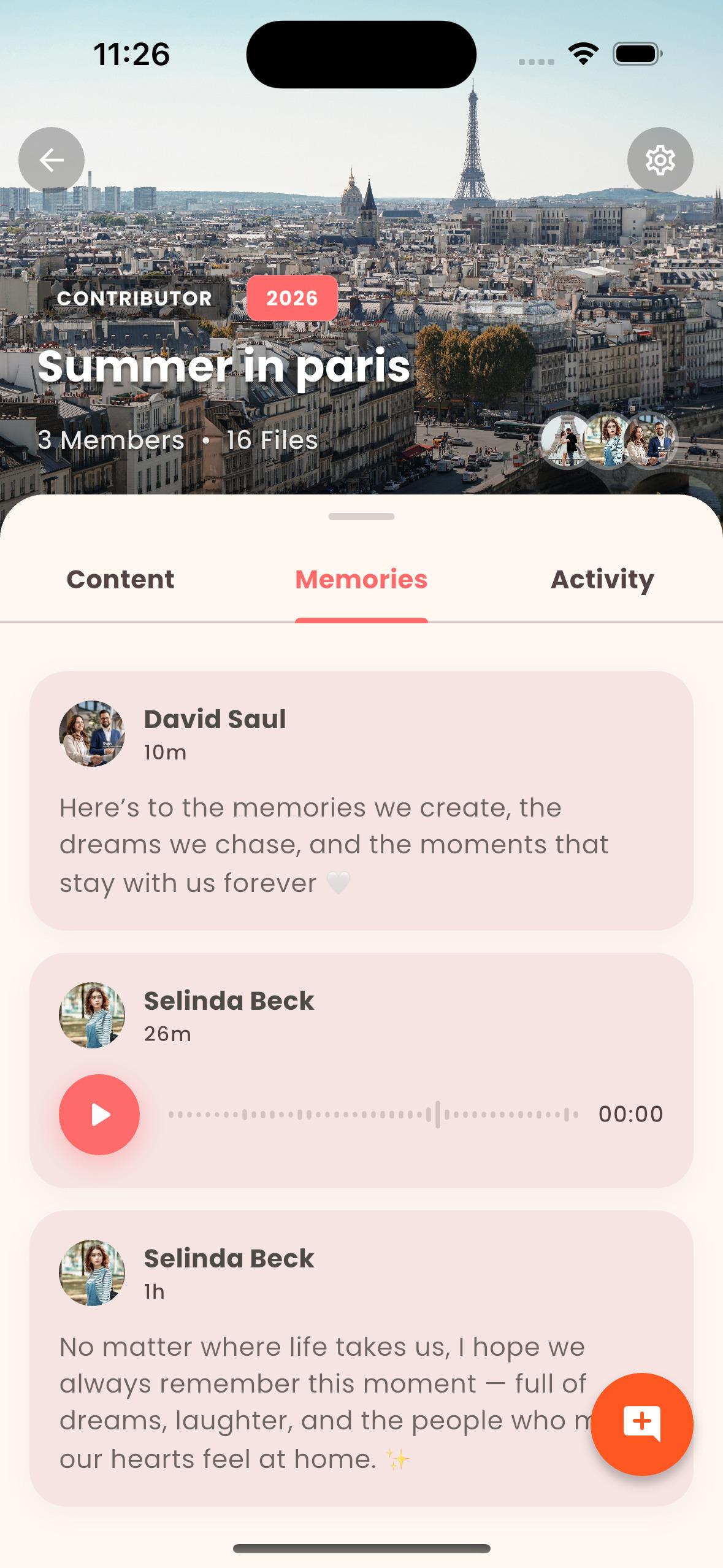
The photographer captures the big moments. Your friends catch the reunion, the table stories and the dance you missed. A shared wedding album brings those perspectives together without leaving your memories scattered across message threads.
Start with LoomdyUpdated:
01
Prepare the album before the celebration
Create a wedding album with a clear name and a cover that guests recognize. Add a short explanation of what belongs there: preparations, the ceremony, dinner or the next-day gathering. Choose someone you trust to help manage contributions so the couple does not have to organize everything during the celebration.
02
Make the invitation easy to understand
Share the album invitation with your guests and explain how to join and contribute. Test the experience with one invited person before sending it widely. Check the current invitation settings and who the link is intended for. Never publish a private album invitation on an unrestricted website just to make it easier to find.
03
Gather perspectives, not just more files
Ask guests for a few favorite photos and videos. A short prompt such as 'the moment that made you smile' is more useful than an open-ended request to upload everything. Keep the photographer's delivery separately as well, and confirm permission before adding or distributing professional images.
04
Turn the collection into a story after the day
Once contributions arrive, revisit them together. Select the moments that tell the day in your own way and use Story Time to combine photos, videos, narration and music. You can also work on a memory book. These are creative tools inside Loomdy, not a promise that a finished wedding film or printed order is included automatically.
05
Agree what stays within the album
Some guests will be comfortable sharing in a private group but not on social media. Ask before reposting, be thoughtful about children and review album access after the event. Check your storage plan for larger video collections and download originals you want to preserve independently.
Before you start
Does this replace our wedding photographer?
No. A guest album complements professional photography with personal perspectives. Your photographer's contract determines how their photos may be shared.
Can guests contribute videos too?
Loomdy supports photos and videos. Check the current plan and upload requirements before collecting a large amount of video.
Will guests need to install the app?
This guide describes the shared-album workflow in the Loomdy app. Other invitation or guest-upload flows may have different requirements; test the exact link you intend to send.